At the PACS meeting on Saturday, March 19 the WordPress SIG reviewed a number of useful plugins co-presented by Don Arrowsmith (@arrowd) and myself.
Here is a list of plugins that I like to install on both my own sites, and some client sites as appropriate. I have found each one of them easy to work with, reliable, and for the most part, user friendly.
The last one, which we didn’t get to talk about, is your bonus for putting up with the lack of a live demo during the presentation.
Duplicate Post
This offers a simple way to make a copy of an existing post or page. Once you have configured the few settings from the Duplicate Post settings screen, you only need to hover your cursor over the post you want to copy and you have access to the ‘clone’ function. Click the ‘clone’ link to make a copy of the post, preserving the elements of the original post as configured in the settings.
My setting configuration preferences are:
Deselect all the top settings (date, status, excerpt)
Add a suffix “COPY” to the new post. Using a suffix helps keep the old post near the new post in the post admin screen, usually sorted by post title.
Show links in all the screen options
Ninja Forms
Excellent forms system for gathering more advanced user input. The free version of the plugin has a considerable feature list. There are many paid add-ons available to extend the feature set.
I recently moved to the Gravity Forms plugin for my forms handling. I was able to pick up a developer license for this premium plugin that includes all the add-ons I have needed thus far. Ninja Forms remains my first choice for advanced forms at no cost.
Contact Form 7
We spoke briefly about this staple of WordPress install that has been around for a long time. If you need a basic form for your website, this is one to consider. While the configuration is straight-forward, it does offer a fair amount of code control for the fields…enough to handle the interest of the weekend website programmer.
iThemes Security
This is a favorite for all-encompassing WordPress security.
It hits all of the top items for security breaches, protecting your website from:
brute force attacks
changes to your files
bad user lockout
login limits
database backups
It is worth considering for your site. The setup wizard is very user friendly. The notifications are fairly direct to set up. Its has great support behind it.
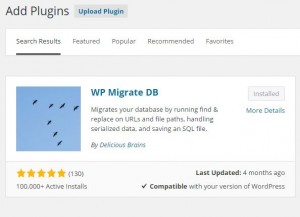
WP Migrate DB
This is my super time saver. I do all of my WordPress development on a local Windows PC. When it comes time to migrate the new, or modified, site to the hosting service, I always go to WP Migrate DB. It enables me to create a WordPress database SQL update file, compressed or not, that I can import into my production system on the public host. This is a database migration tool. This is typically the most difficult part of migrating your website from one location to another location. WP Migrate DB makes it a smooth and predictable task.
Hit the setting screen, give it the name of your new location for the website and the migration file is downloaded to your computer in minutes. The plugin handles changing all the references to your development, or old, environment, to the production, or new environment.
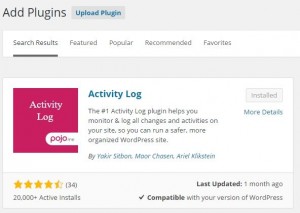
Activity Log
One I didn’t get to talk about is Activity Log. This, my friend, will help you remember exactly what you changed last week when you made that one tweak to your website at 11:30 pm just as The Tonight Show was starting. Activity Log keeps track of all the user generated changes to your website.
Not only your changes, but imagine it keeping track of your client’s changes, in the event you are maintaining the website for someone else. No more need to rely on “…but I didn’t change anything. I don’t know why it stopped working.” You can just check the log and see what exactly did happen that caused the widget area to suddenly disappear. You will see that the text widget above it was changed and someone left off a right bracket in an HTML snippet they tried to add.
Don’t hesitate to reach out to me via my Contact page with any questions you may have about these plugins. I’m happy to help you get them installed and running on your website.
I upgraded this website today to the latest release of WordPress. That is version 4.3, code-named “Billie” after the famous jazz singer Billie Holiday. You can read the back story about the name and the rest of the new features here. It’s a cool read. WordPress 4.3! Oh, the things you can do with this release……
WordPress.org announced a new release for the WordPress content management system on Thursday, Nov 20. This release, identified as a critical security release, is now available for download from WordPress.org. All of our maintenance & support customers were automatically updated last evening and verified operational. If you are running a WordPress 4.0 website and have…
Beginners may find troubleshooting daunting, but @MattRy will show you the ropes Oct. 28. #wcphilly https://t.co/UJIE6B32fk pic.twitter.com/AAopVlZJsf — WordCamp Philly (@WordCampPhilly) October 17, 2017 Share this post: Share on Facebook Share on LinkedIn Share on Email
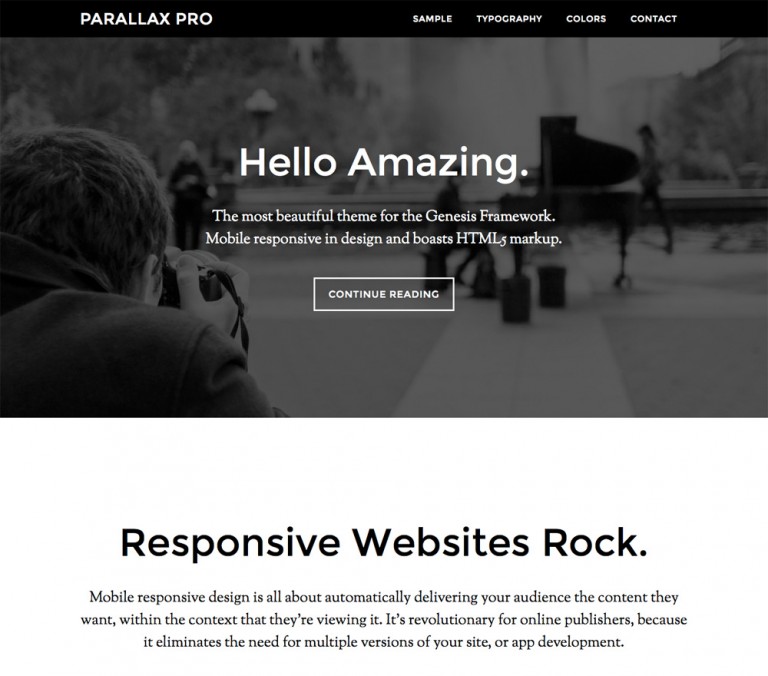
The best selling StudioPress themes last month for the Genesis Framework are listed below. As a Genesis focused WordPress shop, Cap Web Solutions can quickly customize one of these beautiful themes for your particular need. Every one of them can be tweaked in a number of ways to achieve just the look to best represent your brand….
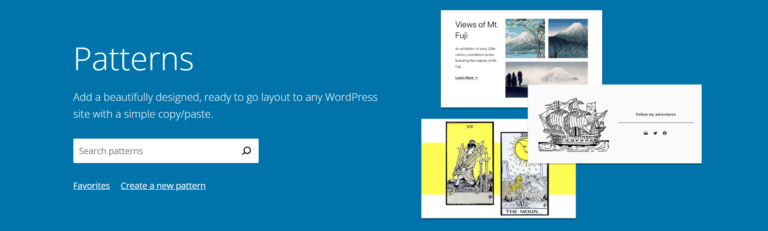
Pattern Page Hero image from wordpress.org This Month’s WordPress SIG Topics Topics from the Trenches segment. What’s new in WordPress since we last met. Discussion and live demo on building a page using Patterns. Topics from the Trenches Anyone, anyone? Yes, in the back! Oops. Nope – just stretching. Maybe next time. What’s new with…
Hi WordPress wizards. Thanks for tuning in today. This is the start of our 2022 – 23 PACS season. I had hoped to record the session, but alas, Teams and my Microsoft account are not playing well today and I had no option available to me to record the meeting. To be fixed next month….